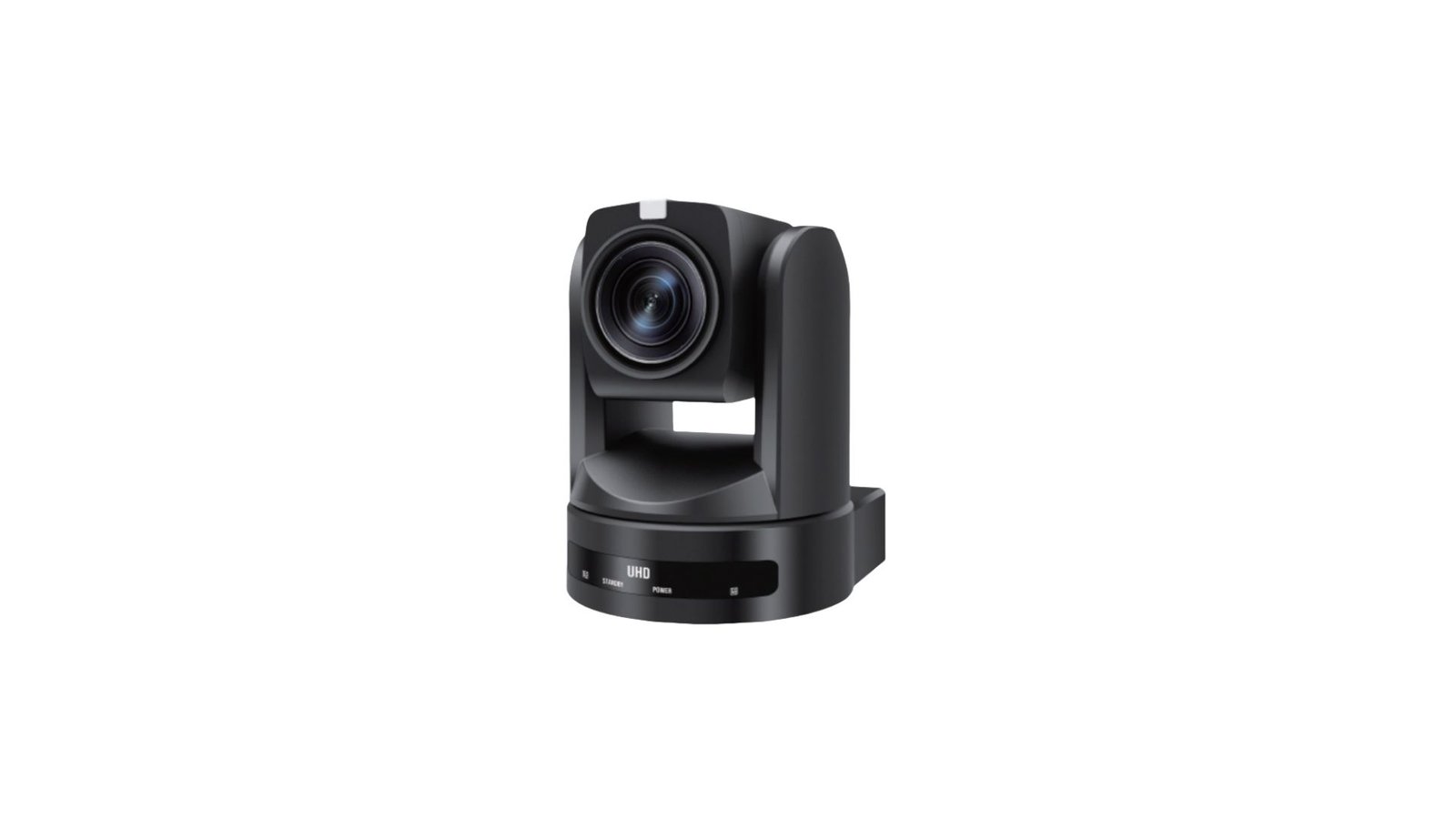
Selecting the right PTZ conference camera can significantly impact the quality of your video conferencing experience. Whether you’re outfitting a corporate boardroom, a medium-sized huddle space, or a flexible hybrid setup, the right equipment ensures visual clarity, speaker tracking, and seamless integration with your existing communication platforms.
In this guide, we break down the key factors you should consider when choosing a PTZ camera tailored for your conference room needs.
Understanding PTZ Technology
PTZ stands for Pan-Tilt-Zoom, referring to a camera’s ability to move horizontally, vertically, and zoom in and out without manual intervention. These features are essential for dynamic environments like conference rooms, where multiple participants may need to be focused on at different times.
Unlike static webcams, PTZ cameras offer motorized control, either manually via remote or automatically through preset tracking. This makes them ideal for scenarios that demand flexible camera angles, speaker framing, and visual professionalism.
Assessing Your Room Size and Layout
One of the most critical variables in choosing a PTZ camera is your room’s dimensions:
-
Small Meeting Rooms: Typically 3-6 participants. A standard PTZ with 5–10x optical zoom is sufficient.
-
Medium Conference Rooms: Seating 6–12 people may require 12–20x zoom capabilities.
-
Large Boardrooms or Auditoriums: Require 20x+ zoom and wide-angle lenses for full coverage.
Ensure the camera’s field of view (FOV) aligns with the room’s width and that it can be mounted (ceiling or wall) based on your infrastructure.
Optical Zoom vs. Digital Zoom
Not all zoom functions are created equal. Optical zoom maintains image quality when magnifying a subject, which is vital for clarity during board-level discussions or when sharing whiteboards and diagrams. Digital zoom, common in ePTZ cameras, enlarges pixels, often degrading image quality.
For professional-grade video conferencing, especially in mid to large rooms, opt for models with true optical zoom and auto-focus features.
Integration with Video Conferencing Platforms
Your chosen PTZ camera should integrate seamlessly with tools like:
-
Zoom
-
Microsoft Teams
-
Google Meet
-
Cisco Webex
Look for plug-and-play USB or IP-based models that support UVC control, which allows platform-based camera adjustments without additional software. Compatibility with PTZ presets via remote or app is also a time-saver during meetings.
Installation Flexibility: Wall vs. Ceiling Mounts
Depending on your room’s acoustics and camera angle needs, you can mount the PTZ camera:
-
Wall-mounted: Ideal for stable, eye-level perspectives.
-
Ceiling-mounted: Excellent for larger rooms or overhead speaker tracking.
Verify that the model supports the appropriate mounting hardware and allows remote or software-controlled adjustments post-installation.
Key Features to Prioritize
To ensure a future-proof investment, look for the following in your PTZ conference camera:
These features contribute to a better end-user experience and higher communication efficiency.
Long-Term Investment and ROI
A PTZ camera isn’t just a gadget—it’s a business tool. High-quality cameras reduce meeting delays, improve collaboration, and make your brand look professional during external presentations. Enterprises benefit from lower travel costs, enhanced hybrid collaboration, and reduced downtime.
Moreover, many advanced PTZ cameras support firmware updates, enabling longevity and adaptability to new conferencing technologies.
Decision Checklist for Procurement Managers
Before making a final decision, consider the following:
-
Does the camera meet the resolution and zoom needs of the room?
-
Is it compatible with your existing VC platform?
-
Does the vendor offer warranty, remote support, and installation assistance?
-
What is the reputation of the brand in the AV industry?
-
Are integration and control systems scalable across multiple rooms?
These procurement factors directly affect installation timelines, IT compatibility, and overall user satisfaction.
Conclusion
Choosing the right PTZ conference camera is more than a technical decision—it’s a strategic investment in communication quality, brand image, and long-term workplace efficiency. By carefully considering room size, technical specs, and compatibility, your team will enjoy smoother meetings and a more professional presence, both internally and externally.
Explore our latest PTZ camera models tailored for every business need at www.polycams.com. Contact our team for a customized recommendation or volume pricing today.


 Cost-Benefit Analysis of PTZ Cameras for Enterprises April 29, 2025